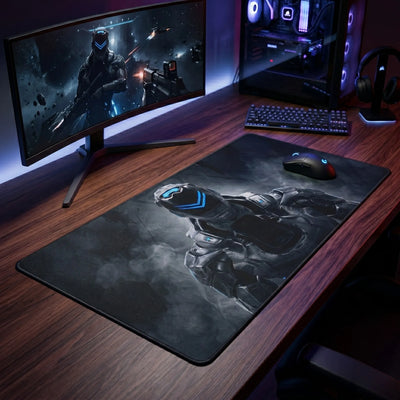
It's every detail-obsessed player's nightmare: your desk mat refuses to lie flat. Waves form along the edges, your mouse bumps into the folds, and your setup loses its edge. A curling pad wrecks your sensor's precision. Here's the PopMyPad technical guide to understanding where this mess comes from and how to fix it.
Why does the rubber warp?
Most gaming mouse pads are built from a cloth surface heat-bonded to a foam rubber base. Waves usually appear for three reasons:
- Shipping: rolled too tightly in its box at the factory, the rubber has taken on a "memory" of that cylindrical shape.
- Extreme heat: direct sunlight, a strong radiator or a trip through the dryer breaks down the polymers in the non-slip base.
- Moisture: washing followed by improper drying (hung over a line) can stretch the fibers.
How to flatten your mouse pad
If the edges of your themed mouse pad refuse to settle down, here are the pro fixes:
- The weight method: spread your pad out on a perfectly flat surface (your desk or the floor). Set heavy books or flat boxes on the curled areas and leave them there for 24 to 48 hours.
- Reverse rolling (carefully): if the pad just came out of the box, roll it gently in the opposite direction of its original curve and hold it there for a few minutes.
- The gentle heat technique: grab a hair dryer. From a safe distance (at least 20 cm, or 8") and on the lowest setting, warm the rubber slightly from underneath to soften it, then apply the weight method. (Warning: never put an iron directly on it!)
To avoid the problem entirely next time, go for pads with high-quality stitched edges — a standard across the whole PopMyPad catalog.